
How to Play Chess
Learn the game step by step, with pictures.
The goal of the game
Chess is a game for two players. One plays White and the other plays Black. Each player starts with 16 pieces.
Your goal is to trap the other player's king so it cannot escape. This is called checkmate. When it happens, the game is over and you win.
White always moves first. Then you take turns, one move each. You must move on your turn. You cannot skip.
The board and the pieces
The board has 64 squares, in 8 rows and 8 columns. The squares are light and dark, in a pattern.
Turn the board so the square in the right-hand corner closest to you is light. That is an easy way to check that it is the right way round.
Each player starts with 16 pieces:
- 1 king
- 1 queen
- 2 rooks
- 2 bishops
- 2 knights
- 8 pawns
The pawns go on the second row from you. The other pieces go on the row behind the pawns. A rook goes in each corner. Next to the rooks go the knights, and next to the knights go the bishops. The queen and the king go in the middle.
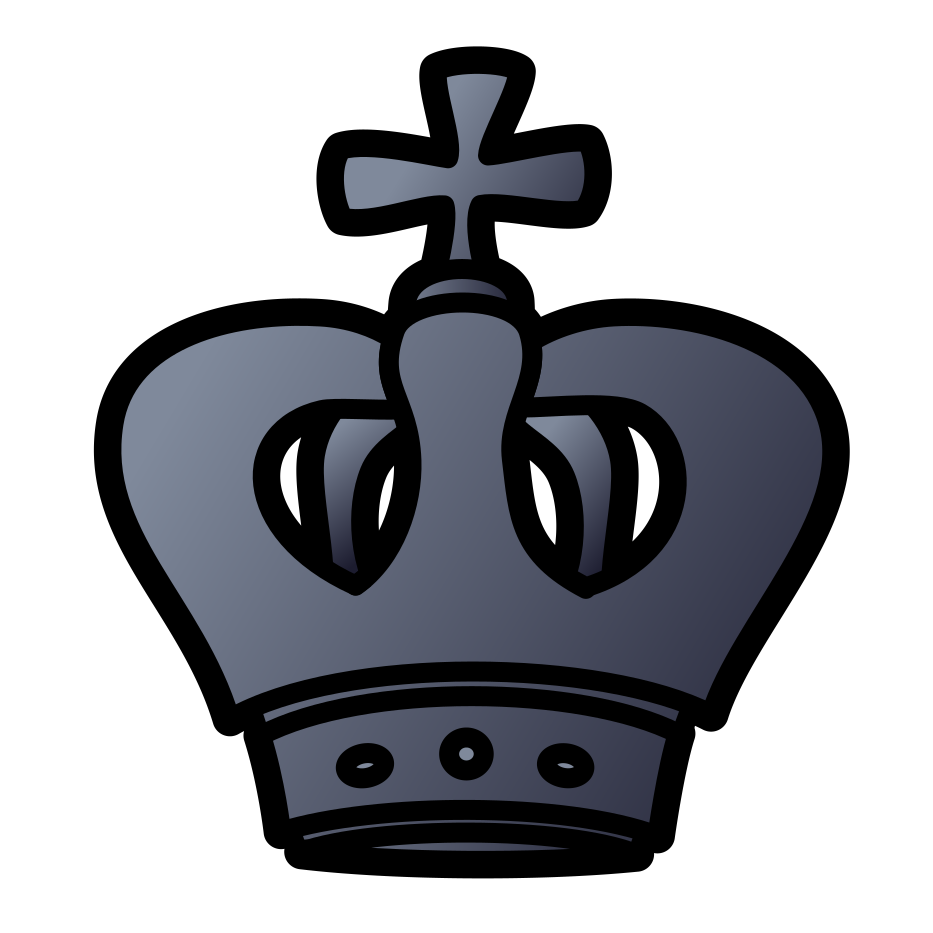
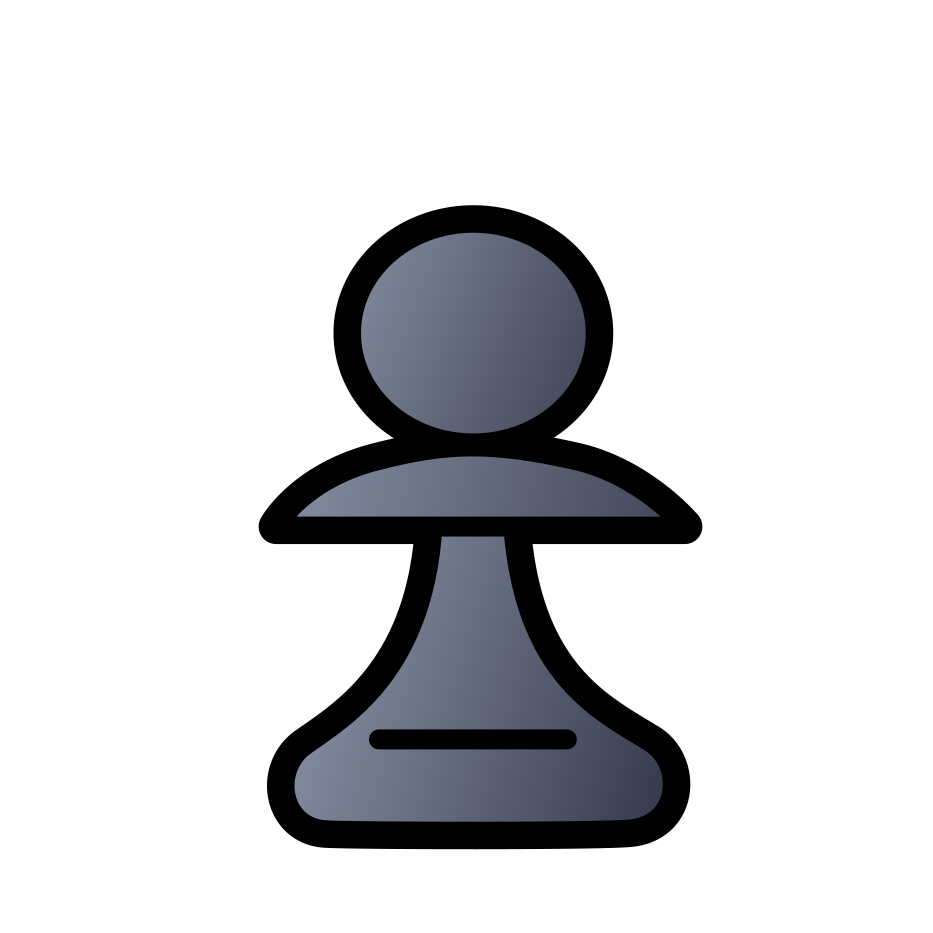
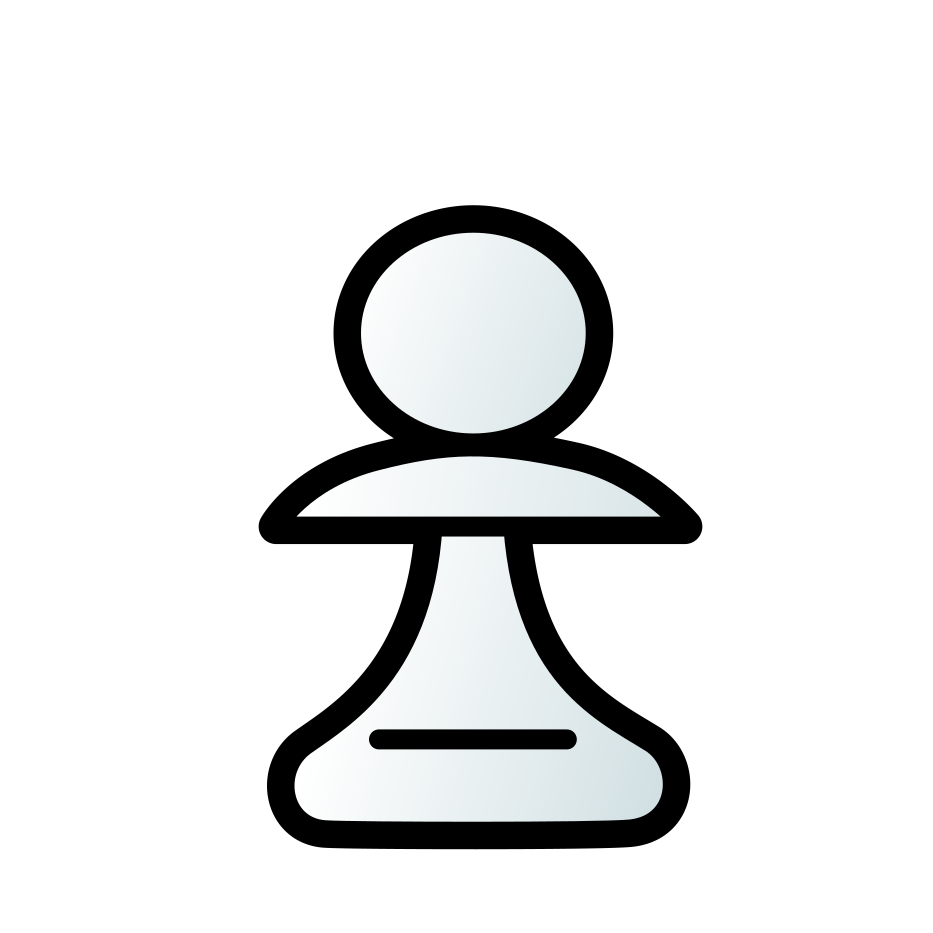
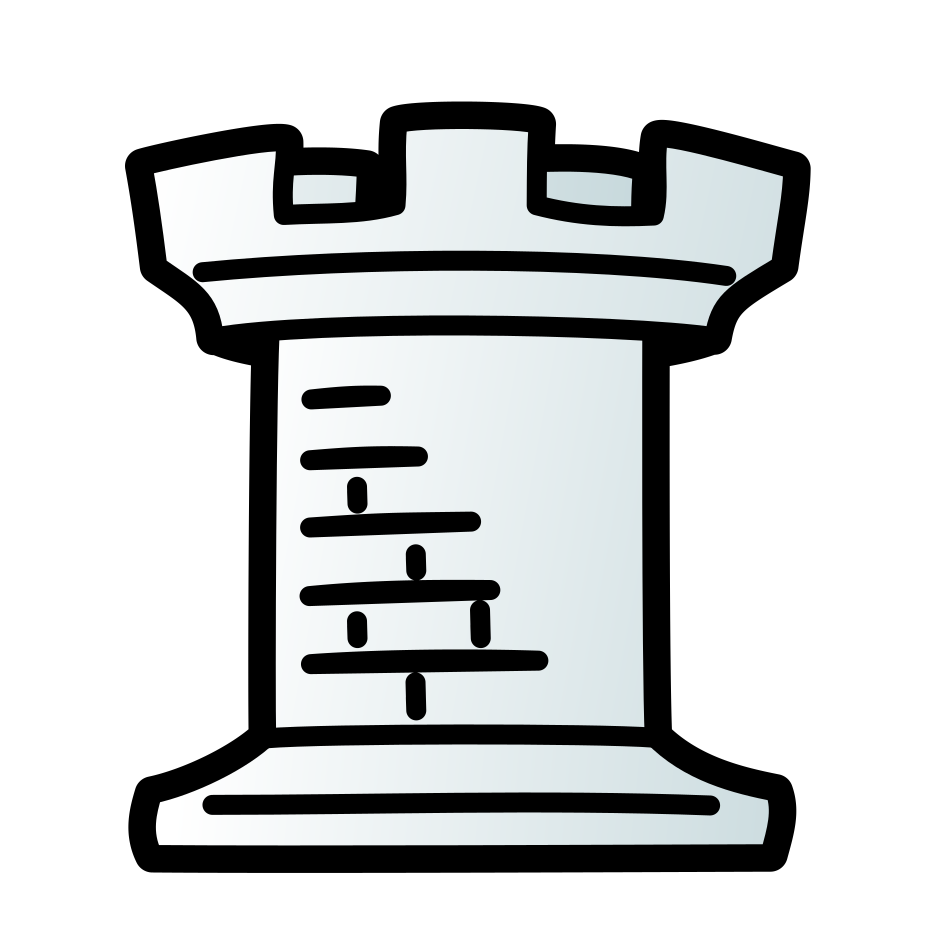

Each queen starts on a square that matches her own colour. The white queen starts on a light square. The black queen starts on a dark square. Each king goes on the square next to his queen.
How the pieces move
Every kind of piece moves in its own way. In the pictures below, a dot shows a square the piece can move to. A ring shows a piece it can capture.
To capture, move onto a square that holds one of your opponent's pieces. That piece is taken off the board. You cannot capture your own pieces, and you cannot move onto a square that holds one of them.
Pieces cannot jump over other pieces. The only exception is the knight.
The king
The king is the most important piece. He moves one square at a time, in any direction. A king may never move to a square where he could be captured.
The queen
The queen is the strongest piece. She can move as far as she likes in a straight line. She can go sideways, up and down, or diagonally.
The rook
The rook moves as far as it likes in a straight line, sideways or up and down. It cannot move diagonally.
The bishop
The bishop moves as far as it likes diagonally. It always stays on the colour of square it started on. So each player has one bishop that stays on light squares and one that stays on dark squares.
The knight
The knight moves in an L shape. It goes two squares in one direction, then one square to the side. The knight is the only piece that can jump over other pieces.
The pawn
A pawn moves straight forward, one square at a time. It can never move backward. On its very first move, a pawn may go forward two squares instead.
A pawn captures differently from the way it moves. It captures one square diagonally forward.
A pawn cannot move forward if something is in its way. It also cannot capture the piece straight in front of it.
Pawns also have two special moves, called en passant and promotion. They are explained next.
Special moves
Castling
Castling lets you move your king to safety and bring a rook into the game, all in one move. You move the king two squares toward a rook. Then the rook jumps over the king and lands next to him.
You can castle only if all of these are true:
- Neither the king nor that rook has moved yet.
- There are no pieces between them.
- The king is not in check.
- The king does not pass through, or land on, a square that an enemy piece attacks.
You can castle on either side of the board, as long as the rules above are true. In this game, you move the king two squares and the rook moves by itself.
En passant
These are French words that mean "in passing". It happens when a pawn uses its two-square first move to jump past an enemy pawn. The enemy pawn may capture it, as if it had moved only one square.
You must do this on your very next move. If you wait, the chance is gone.
Promotion
When a pawn reaches the far side of the board, it must change into another piece. You choose a queen, a rook, a bishop or a knight. Almost everyone chooses a queen. A pawn cannot stay a pawn, and it cannot become a king.
In this game, a box pops up so you can choose.
Check, checkmate and draws
Check
When a king is attacked, it is in check. A player in check must fix it on their very next move. You are never allowed to make a move that leaves your own king in check.
There are three ways to get out of check:
- Move the king to a safe square.
- Block the attack by putting a piece in the way. You cannot block a knight, because it jumps.
- Capture the piece that is giving check.
Checkmate
If a king is in check and there is no way out, that is checkmate. The game ends, and the player who gave checkmate wins.
Draws
Sometimes nobody wins. This is called a draw. A game is drawn when:
- It is a player's turn, the king is not in check, and there is no legal move. This is called stalemate.
- The same position happens three times.
- Fifty moves by each player go by with no capture and no pawn move.
- Neither player has enough pieces left to give checkmate.
A player can also resign, which means giving up. Then the other player wins.
What the pieces are worth
Players give each piece a number, to help decide whether a trade is fair. For example, giving up a knight (3) to win a rook (5) is a good trade for you.
| Piece | Worth |
|---|---|
| Pawn | 1 |
| Knight | 3 |
| Bishop | 3 |
| Rook | 5 |
| Queen | 9 |
The king has no number. If you lose your king, you lose the game, so he is priceless.
Tips for your first game
- Keep your king safe. Castle early.
- Take the middle of the board. Put your pawns and pieces on or near the four middle squares.
- Bring out your knights and bishops early. Try not to move the same piece again and again at the start.
- Do not bring your queen out too soon. The other player can chase her around with smaller pieces.
- Before every move, look at what your opponent's last move is threatening. Then check that your move does not leave a piece where it can be taken for free.
- Take your time. Think before you move. Everyone makes mistakes, and that is how you learn.
Reading the move list
The game writes each move as a short code. You will see the codes in the list of moves next to the board.
The columns of the board are the letters a to h. The rows are the numbers 1 to 8. So every square has a name, like e4. The game shows these letters and numbers around the edge of the board.
Each piece has a letter: K for king, Q for queen, R for rook, B for bishop and N for knight. The knight is N because the king already has K. Pawns have no letter.
A few more symbols:
- x means a capture. Nxe5 is a knight capturing on e5.
- + means check.
- # means checkmate.
- O-O means castling on the king's side, and O-O-O means castling on the queen's side.
- = shows a promotion. e8=Q means a pawn reached e8 and became a queen.
Using this chess game
On the chess page, pick an opponent: The Computer or A Friend. Then press Start game.
If you pick The Computer, choose a level and which piece color you want. Level 1 is the gentlest, and level 8 is the strongest. Level 8 plays at full strength.
To move, tap a piece, then tap one of its dots or rings. You can also drag the piece to its new square.
A red glow on a king means it is in check. In a game for two players, you take turns on the same screen.
Undo
Press Undo to take back a move. In a game for two players, it takes back the last move. Against the computer, it takes back your last move and the computer's reply, so you can try something else.
You can use Undo as many times as you like, but not after the game has ended. If you do not want to allow undo, untick Allow undo before you start the game.
Hints
Stuck? Press Hint. The piece you should move and the square to move it to are both marked in green. The hint comes from the strongest chess player we have.
You can ask for as many hints as you like. A hint never moves a piece for you, so you still make the move yourself. Hints are not available in a timed game, and you can switch them off with Allow hints before you start.
Turning the board
Press Flip board to turn the board around, so the other side's pieces are at the bottom. Nothing in the game changes, and you can do it at any time, even in a timed game. The game remembers which way the board faced when you come back.
In a game for two players, you can tick Turn the board after every move before you start. The board then turns by itself, so the player whose turn it is always has their pieces at the bottom.
Clocks
You can play against the clock. Before you start, use Time for each player to choose how long each side gets, from 1 minute to 60 minutes. You can also add extra seconds after each move. The default is No clock.
White's clock starts when the game starts. At any moment, only the clock of the player whose turn it is counts down. When you make a move, your clock stops and your opponent's clock starts. Any extra time is added to your clock when you move.
If your time runs out, you lose on time. There is one exception. If your opponent cannot checkmate with the pieces they have left, the game is a draw.
Pause stops the clocks, and the time you are away is not counted. When you press Resume game, your clock starts again. There is no Undo or Hint in a timed game.
Pausing and coming back
Press Pause to leave a game. The game is saved after every move, so you can come back any time. On the chess page, press Resume game to carry on where you stopped.
Your game is saved on this device, in this browser only. If you clear your browser's data, the saved game is lost.
Giving up and sound
Press Resign if you want to give up. The game asks you to confirm first. The Mute button turns the game's sounds off and on. It shows a speaker when the sound is on and a crossed-out speaker when it is muted.